Introduction
In today’s digital world, accessibility has become an essential aspect of web design and development and Digital Modus is committed to making the services we provide accessible and easy to use.
Our goal is to create products, services, and experiences that are usable by everyone, including people with disabilities.
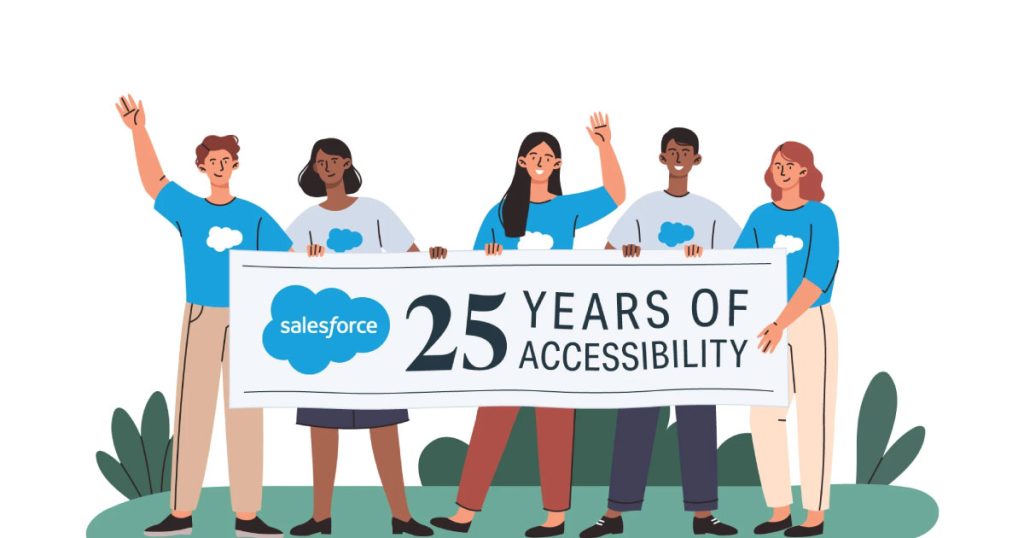
Salesforce, one of our key delivery platforms, is a leading customer relationship management (CRM) platform, has made significant strides in ensuring that its products meet accessibility standards. With a focus on creating inclusive experiences for all users,
Digital Modus and Salesforce aligns itself with global guidelines such as WCAG and frameworks like the UK Government Digital Service (GDS) accessibility standards.
In this article, we will explore the relationship between Salesforce, accessibility, and how Digital Modus, Salesforce Experience Cloud and the GOV.UK component Framework, integrate with these standards.
Key Takeaways
- Introduction to digital accessibility in Salesforce and key WCAG 2.2 principles: perceivable, operable, understandable, robust.
- How UK GDS guidelines and GOV.UK component framework integrate with Experience Cloud.
- Best practices for auditing, testing, and maintaining accessible Salesforce portals.
What Is Accessibility in the Context of Salesforce?
In the context of Salesforce, accessibility refers to the ability for users of all abilities to effectively use Salesforce applications, including individuals with disabilities such as visual, auditory, motor, and cognitive impairments.
As a global platform with millions of users, Salesforce acknowledges its responsibility to ensure that its CRM tools and related services are accessible to everyone.

Salesforce’s accessibility commitment is not only about meeting legal requirements but also about enhancing the user experience for all. They have incorporated several accessibility features into their platform, which help businesses build applications that are usable by a wider audience.
Key Areas of Accessibility in Salesforce
Salesforce accessibility initiatives span several key areas:
- User Interface (UI) Design: The design of the Salesforce UI needs to be intuitive and adaptable for screen readers, keyboard navigation, and other assistive technologies.
- Content Accessibility: All text content should be legible, with proper contrast and font size, and should be structured in a way that can be read and understood by users relying on screen readers.
- Forms and Controls: Forms and other interactive elements like buttons, links, and drop down menus must be accessible and operable via keyboard or other assistive devices.
- Assistive Technology Support: Salesforce ensures compatibility with screen readers, braille displays, voice recognition software, and other assistive technologies, allowing users to interact with the platform in the way that suits them best.
- A framework of Experience Cloud, GOV.uk web components which meet WCAG2.1.
WCAG 2.2: The Gold Standard for Web Accessibility
The Web Content Accessibility Guidelines (WCAG) are widely regarded as the most comprehensive set of standards for making web content accessible.
WCAG is maintained by the Web Accessibility Initiative (WAI) of the World Wide Web Consortium (W3C).
The guidelines help developers and designers understand how to create websites and web applications that are accessible to users with disabilities.
Key Principles of WCAG 2.2
WCAG 2.2 is an extension of WCAG 2.0 and 2.1, offering additional recommendations and clarifications to further improve web accessibility.
It is important to note that the WCAG guidelines are organised around four key principles, which ensure that content is:
- Perceivable: Information and user interface components must be presented to users in ways they can perceive. For instance, text alternatives should be provided for non-text content, and content should be adaptable for various visual or auditory conditions.
- Operable: User interface components and navigation must be operable. This includes ensuring that users can navigate the site using a keyboard, provide sufficient time to read and interact with content, and do not rely solely on mouse input.
- Understandable: Content and operations must be understandable to all users. This includes providing clear instructions, labelling form elements, and ensuring that the platform is predictable in behaviour.
- Robust: Content must be robust enough to be reliably interpreted by a wide variety of user agents, including assistive technologies.

New Additions in WCAG 2.2
WCAG 2.2 introduced several new criteria, aimed at further enhancing accessibility, especially for users with cognitive and learning disabilities.
These criteria include:
- Low Vision Improvements: More guidance on how to make content accessible to people with low vision, such as ensuring text can be resized without loss of content.
- Enhanced Cognitive Accessibility: New guidelines that help designers and developers make content easier to understand for users with cognitive impairments, such as simplified text and easier-to-navigate layouts.
Salesforce and WCAG 2.2 Compliance
Salesforce has taken great strides to ensure its platform aligns with WCAG 2.2 guidelines.
Their compliance efforts focus on enabling features like:
- Alt Text for Images: Salesforce encourages users to provide descriptive alt text for images, which is crucial for screen readers to convey the meaning of visual elements.
- Keyboard Accessibility: Ensuring that Salesforce applications and components can be navigated with a keyboard alone is a major priority for the platform.
- Accessible Forms: Proper form labelling and error handling are in place to support users with disabilities, providing a seamless experience.
Digital Modus has been working with Integrated Corporate Services (ICS) to enhance the Salesforce GOV.UK components to support WCAG 2.2 standards, and comply with the latest GOV.UK accessibility standards.
These are being rolled out across ICS Salesforce services provided for the DESNZ and DSIT departments.
UK GDS and GOV.UK Accessibility Standards
The UK Government Digital Service (GDS) has established accessibility standards that public sector websites and digital services must meet to ensure they are accessible to all users, including people with disabilities.
These are covered within the Design system and the list of components covers everything from Check Boxes, all the way through to Skip Links and Text Input.
The GDS accessibility guidelines and components are aligned with WCAG but offer additional recommendations tailored to the needs of government services.
Key Principles of UK GDS Standards
The UK GDS guidelines focus on making services easy to access and use for everyone, with particular emphasis on:
- Making content accessible: Ensuring that digital content, including text, images, and multimedia, can be easily perceived by all users.
- Designing for usability: The goal is to ensure that users can easily navigate services, with logical, predictable flows and intuitive interactions.
- Testing for accessibility: Regular testing of government digital services ensures that they remain accessible to users with a wide range of abilities.
Integration with Salesforce and Experience Cloud
Digital Modus and Salesforce’s commitment to accessibility, aligns with the UK GDS accessibility standards.
In fact, Salesforce Experience Cloud, the platform’s portal solution, is designed to enable organisations to create engaging, accessible digital experiences.
For UK public sector organisations, the Salesforce GOV.UK component framework for Experience Cloud helps meet both WCAG and GDS standards while providing a flexible, scalable platform for digital engagement.
Experience Cloud enables organisations to deliver portals, communities, and websites that are fully accessible, offering features like:
- Customisable themes and templates: These ensure accessibility by adhering to colour contrast guidelines, font readability, and navigability through various devices.
- Mobile Optimisation: Salesforce Experience Cloud ensures that digital services are usable across all devices, enhancing accessibility for users on smartphones, tablets, and desktop devices.
- Integrated Accessibility Features: Experience Cloud allows for integration with assistive technologies, ensuring a seamless user experience for individuals with disabilities.
- Rapidly build GOV.UK web journeys: To support complex user journeys, enquiries, content and forms to support self service.
The Importance of Accessibility in Salesforce’s Ecosystem
Digital Modus takes accessibility of the services we build seriously, and ensuring accessibility in Salesforce is about more than compliance — it’s about creating an inclusive ecosystem that benefits everyone.
By following global standards like WCAG 2.2 and local guidelines like the UK GDS, Salesforce helps businesses, governments, and organisations create accessible, engaging, and meaningful experiences for all users.
Business Benefits of Accessibility
- Wider Reach: By making Salesforce applications accessible, businesses can reach a wider audience, including individuals with disabilities.
- Improved User Experience: Accessible designs tend to improve the overall user experience for everyone, making applications easier to use and navigate.
- Legal Compliance: Meeting accessibility standards reduces the risk of legal issues related to discrimination or non-compliance with regulations.
- Corporate Responsibility: Demonstrating a commitment to accessibility can enhance a company’s reputation, showing that it values diversity and inclusivity.
Conclusion
Digital Modus and Salesforce’s commitment to accessibility through adherence to WCAG and UK GDS standards helps create a more inclusive digital environment for users of all abilities. These not only provide great and inclusive user experiences for citizens and GOV.UK users, but they are also applicable to commercial organisations.
Digital Modus is taking this one step further, to enhance the Salesforce GOV.UK components to support WCAG 2.2 standards, and comply with the latest GOV.UK accessibility standards.
The integration of these accessibility guidelines in Salesforce products like Experience Cloud further ensures that digital experiences are both accessible and user-friendly.
As government and businesses continue to embrace the power of Salesforce, ensuring compliance with these accessibility standards is crucial not only for meeting legal requirements but also for enhancing the overall user experience and contributing to a more inclusive digital world.